Reduce AI coding context by up to 46%
while preserving code understanding.
How LeanContext Works
📄
1. Select Code
Paste code or choose a repository
→
✂️
2. Remove Noise
Comments, docs, whitespace, dead code
→
🚀
3. Send More Signal
Same logic. Fewer tokens.
Use LeanContext wherever you work.
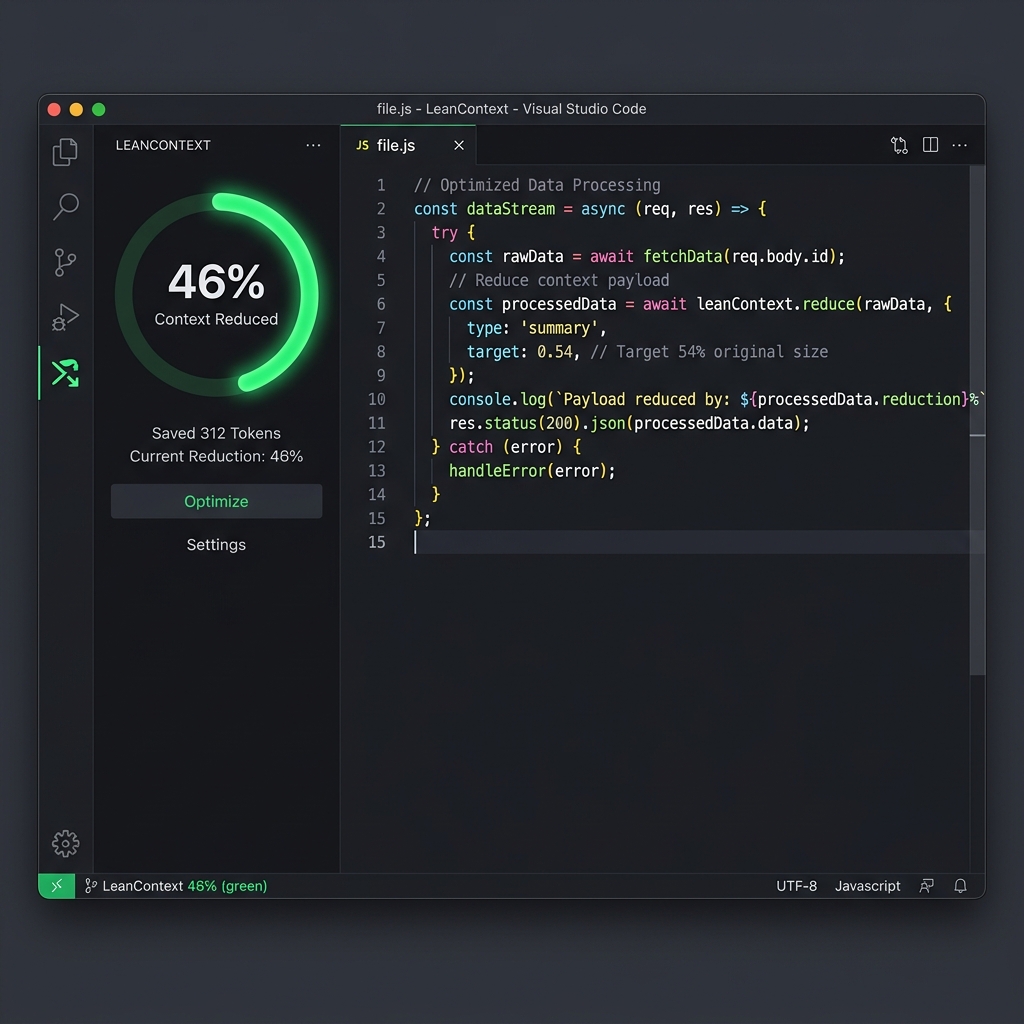
LeanContext for VS Code
Built directly into GitHub Copilot.
★★★★★
Published on VS Code Marketplace
- ✓
@lcparticipant - ✓ Workspace optimization
- ✓ Folder optimization
- ✓ Audit viewer
- ✓ Fully local processing
- ✓ No API calls
46%
Max Reduction
10-46%
Average Range
5
Repositories Tested
100%
Accuracy Retained
Install in under 30 seconds
- Open VS Code
- Install LeanContext
- Open Copilot Chat
- Type @lc
Interactive Playground
Test LeanContext live in your browser.
1 Paste code
2 Check rules
3 See savings
→
—
—
AST Translation Rule
—
—
Savings Rate
—
Tokens Saved
Original Statement
CGE Compacted Shorthand
Decompression Feedback Loop
Paste the LLM's reconstructed code below. The Diff Engine will extract structural identifiers and verify against the source AST.
Awaiting Input...
—
compression
Token Allocation
Original
—
LeanContext Output
—
Tokens saved
—
Characters freed
—
Cost reduction
—
Paste code to analyze
Projected Savings
beta
Agent Queries Per Day
Team Size (Developers)
Target LLM Model
—
tokens saved / month
—
est. monthly savings
*Monthly calculation: Tokens Saved × Agent Queries × Team Size × 30 Days × $5.00 per 1M Input Tokens (GPT-5.5)